
Beautiful device mockups, zero design skills.
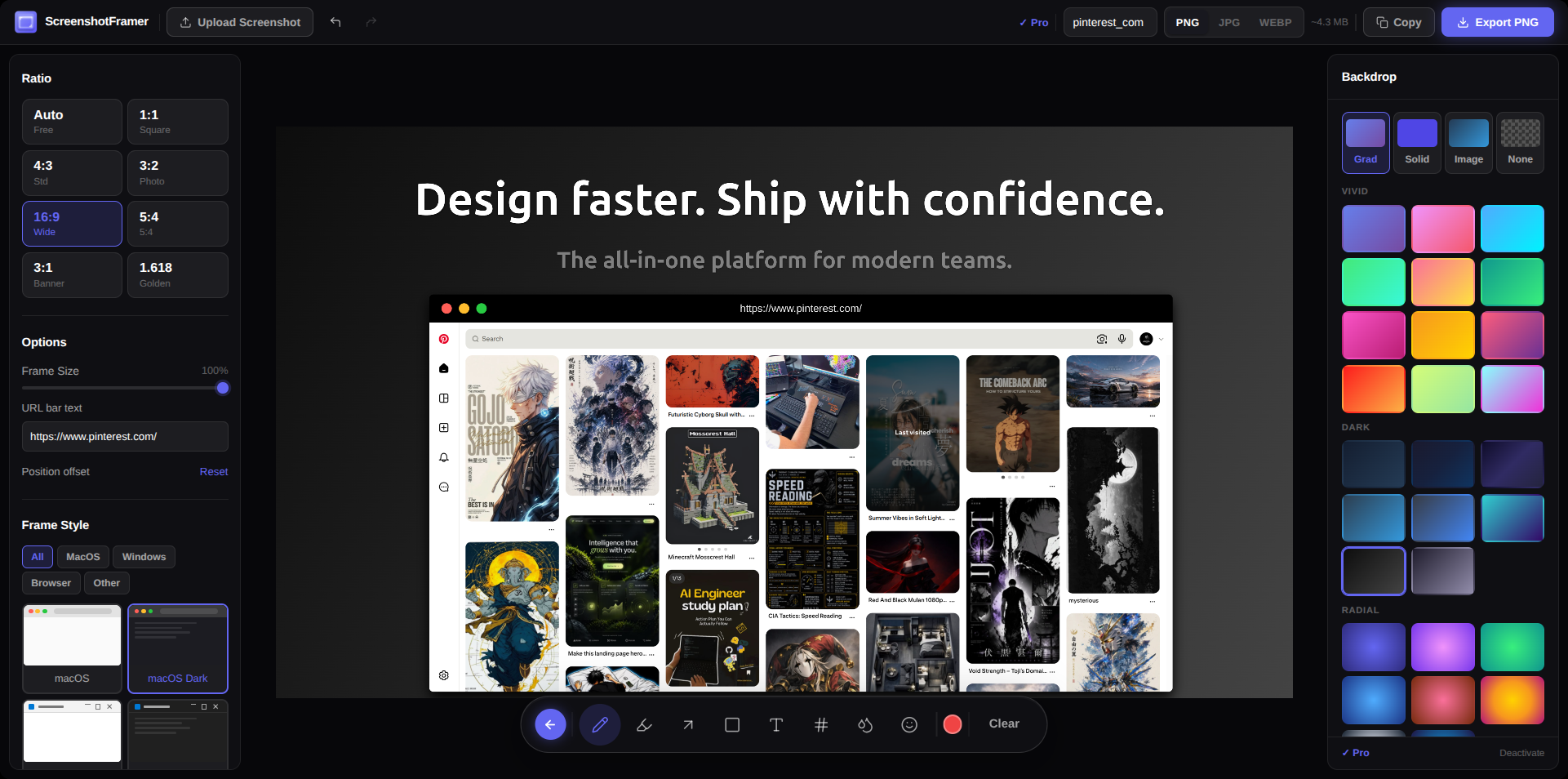
Paste a screenshot, pick a device frame, download. Your app screenshot goes from raw to polished in seconds — no Figma, no Canva needed.
Open Screenshot Framer →What you get
- ✓iPhone, Android, and browser window frames
- ✓Paste or upload any screenshot
- ✓Custom background colors and gradients
- ✓Download as high-resolution PNG
- ✓Works in any browser — nothing to install
- ✓Free, no account required
From screenshot to polished mockup in under 60 seconds.
How it works
From raw screenshot to polished mockup.
01
Open in your browser — nothing to install
No download, no extension, no account. Open screenshotframer.xyz in any browser and you're ready to go.
02
Paste or upload any screenshot
Take a screenshot of your app or website, then paste it directly into Screenshot Framer. Or drag and drop a file.
03
Pick a frame and download in seconds
Choose from iPhone, Android, or browser window frames. Adjust the background. Click download. Done.
Who uses it
App developers
Polish your App Store and Play Store screenshots before submission. Professional device frames in seconds.
Marketers
Create device mockups for social media posts, landing pages, and email campaigns — no designer needed.
Indie makers
Get professional-looking screenshots without hiring a designer or learning Figma.
Make your next screenshot count.
Free to use. Nothing to install. Done in under a minute.
Open Screenshot Framer →